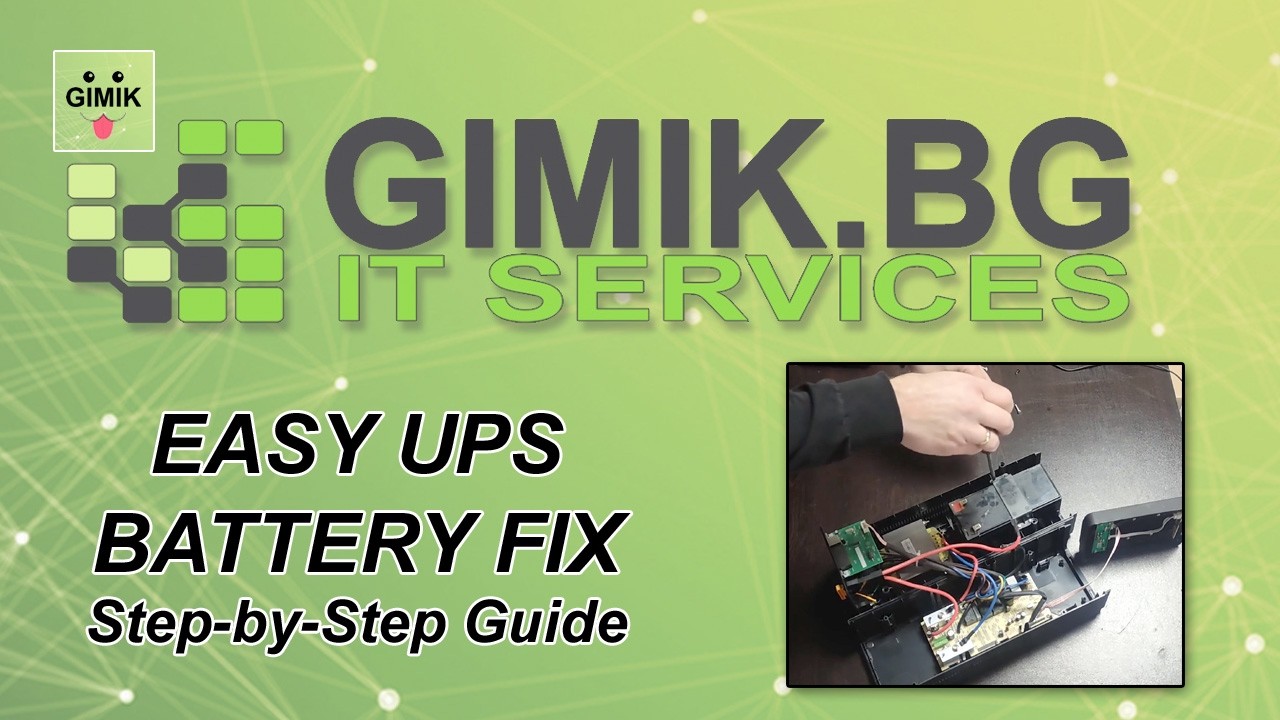
If your UPS has started emitting a constant beeping sound or the “Replace Battery” LED is active, there is no need to buy a brand-new unit. In most cases, the issue is simply an exhausted battery. Replacing it is quick, easy, and will save you a significant amount of money.
In this guide, we will show you how to perform a battery replacement on an APC Back-UPS BX750MI (the process is identical for most models in the BX and Back-UPS series).
📺 Watch the Step-by-Step Video:
🛠️ Required Tools
To open the casing and replace the battery safely, you only need one essential tool:
- Phillips #2 Screwdriver – To remove the screws from the chassis.
🔋 Ready-to-Install Battery Modules
For this UPS model, it is highly recommended to use a certified replacement battery cartridge. This ensures the correct dimensions, voltage, and terminal types.
- APC Replacement Battery Cartridge #110 (APCRBC110) – This is the genuine OEM replacement kit. It is a plug-and-play module tested for maximum compatibility and reliability.
- Ready-to-Install 12V 9Ah High-Capacity Module – A high-quality alternative module suitable for standard UPS systems, offering extended runtime.
📝 Key Highlights & Steps
- Safety First: Before starting, always unplug the UPS from the wall outlet and disconnect any equipment plugged into the back.
- Open the Chassis: Depending on your specific BX model, remove the screws located on the bottom or back panel to access the battery compartment.
- Remove the Old Battery: Carefully slide out the old battery. Disconnect the Red (+) and Black (-) wires from the terminals.
- Install the New Module: Connect the wires to your new battery module. Ensure the polarity is correct (Red to Red, Black to Black). You might see a small spark when connecting—this is normal.
- Close and Test: Secure the battery back into its slot, close the casing, and plug the unit in. Let it charge for at least 8-12 hours before relying on it for power outages.
🛒 Recommended Solutions (Amazon)
Here are the ready-made products we recommend for this repair:
- APC Replacement Battery Cartridge #110 – The official choice for peace of mind and long-term performance.
- ExpertPower 12V 9Ah Sealed Lead Acid Battery – A reliable and widely-used replacement module for home office setups.
- Precision Screwdriver Set – A high-quality tool set if you don’t have the right screwdriver on hand.
As an Amazon Associate I earn from qualifying purchases.
⚠️ Proper Battery Recycling
Old lead-acid batteries contain hazardous materials. Please do not dispose of them in regular household waste. Take them to a local recycling center or an electronics retailer that offers battery disposal services.
For more practical tech maintenance tips, check out our Hardware Repair & DIY Guides playlist on YouTube!